Get It
Deploy your AI-enabled OpenSimulator grid in minutes.
1 Prerequisites
Operating System
You need a modern operating system that supports Docker. Linux, Mac OS or Windows with WSL2 are supported.
Linux
Mac OS
Windows
OpenSimulator Viewer
A viewer is how you log in to your grid. We recommend Firestorm, but any compatible viewer works.
Most of the stack is multi-architecture and will work on intel or arm processors. However, there are some exceptions. See Docs.
2 Run
Docker Engine
docker network create opensim-ai_default && docker run -it \
  --restart unless-stopped \
  --pull missing \
  --name opensim-ai-spawner \
  --network opensim-ai_default \
  -v opensim-ai_opensim-config:/config \
  -v opensim-ai_opensim-workspace:/workspace \
  -v opensim-ai_opensim-spawner-data:/data \
  -v /var/run/docker.sock:/var/run/docker.sock \
  -p 8993:8993/tcp \
  -e OPENSIM_HOSTNAME=$(hostname -f) \
bithatch/opensim-spawner:latestDocker Compose
curl https://opensim-stack.github.io/docker-compose.yml | \
  OPENSIM_HOSTNAME=$(hostname -f) docker compose -f - up -d
Check the output of
hostname -f command, that is the name you will use to connect to the grid and web UI.
3 Configure Your Grid
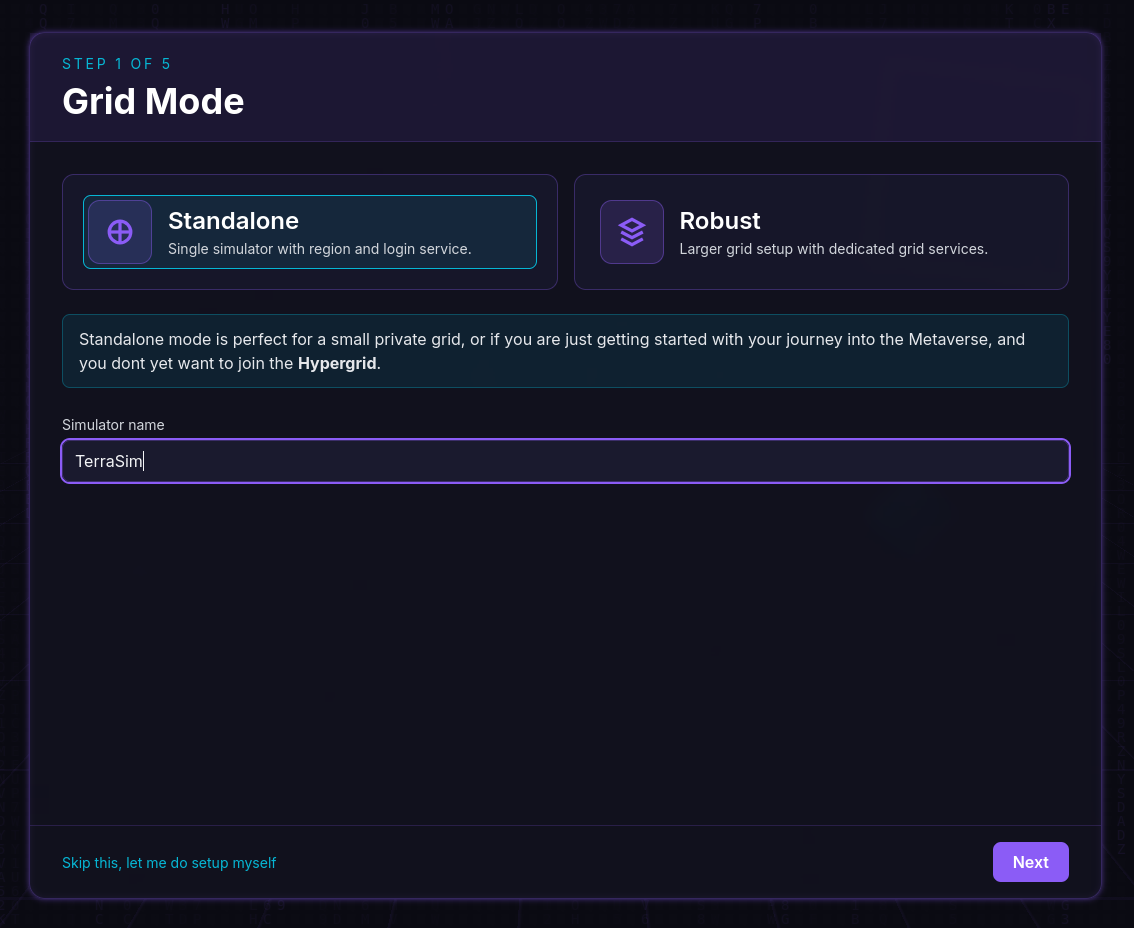
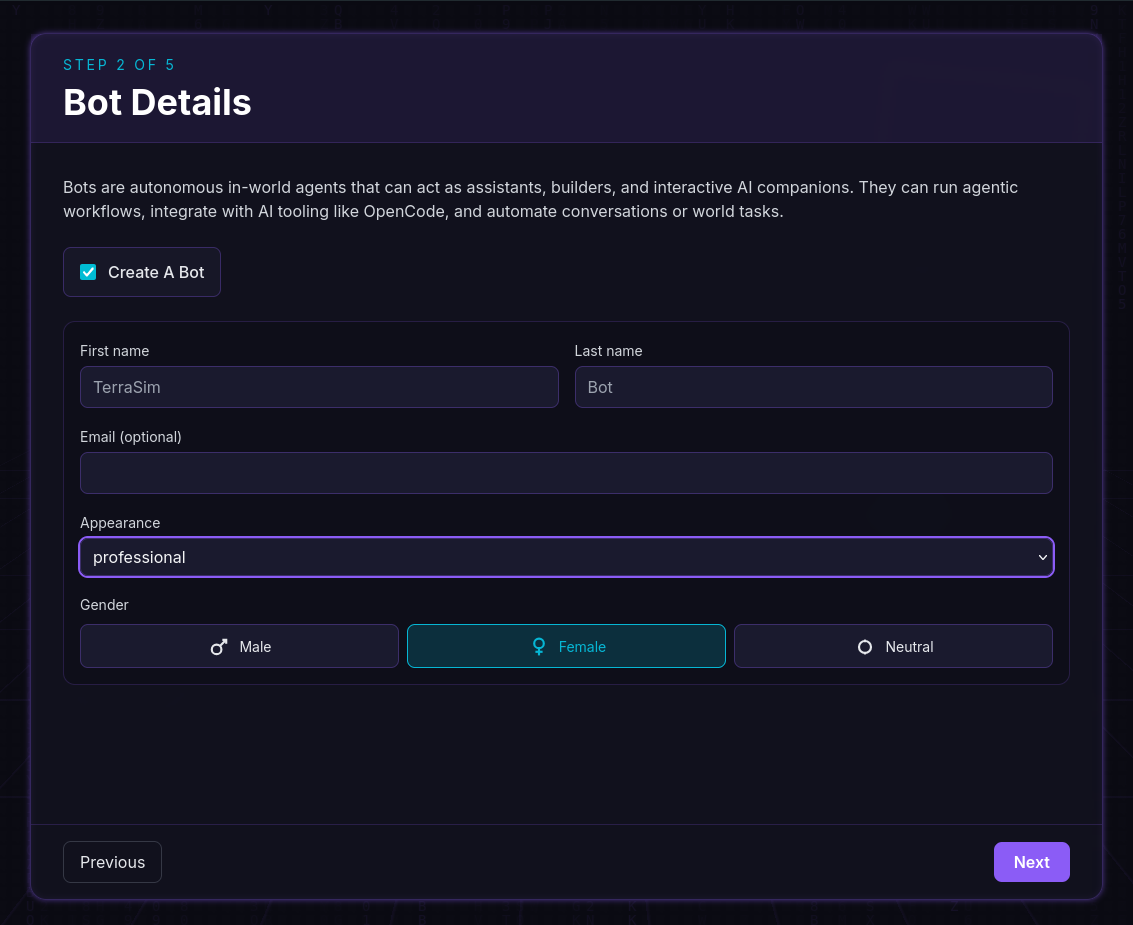
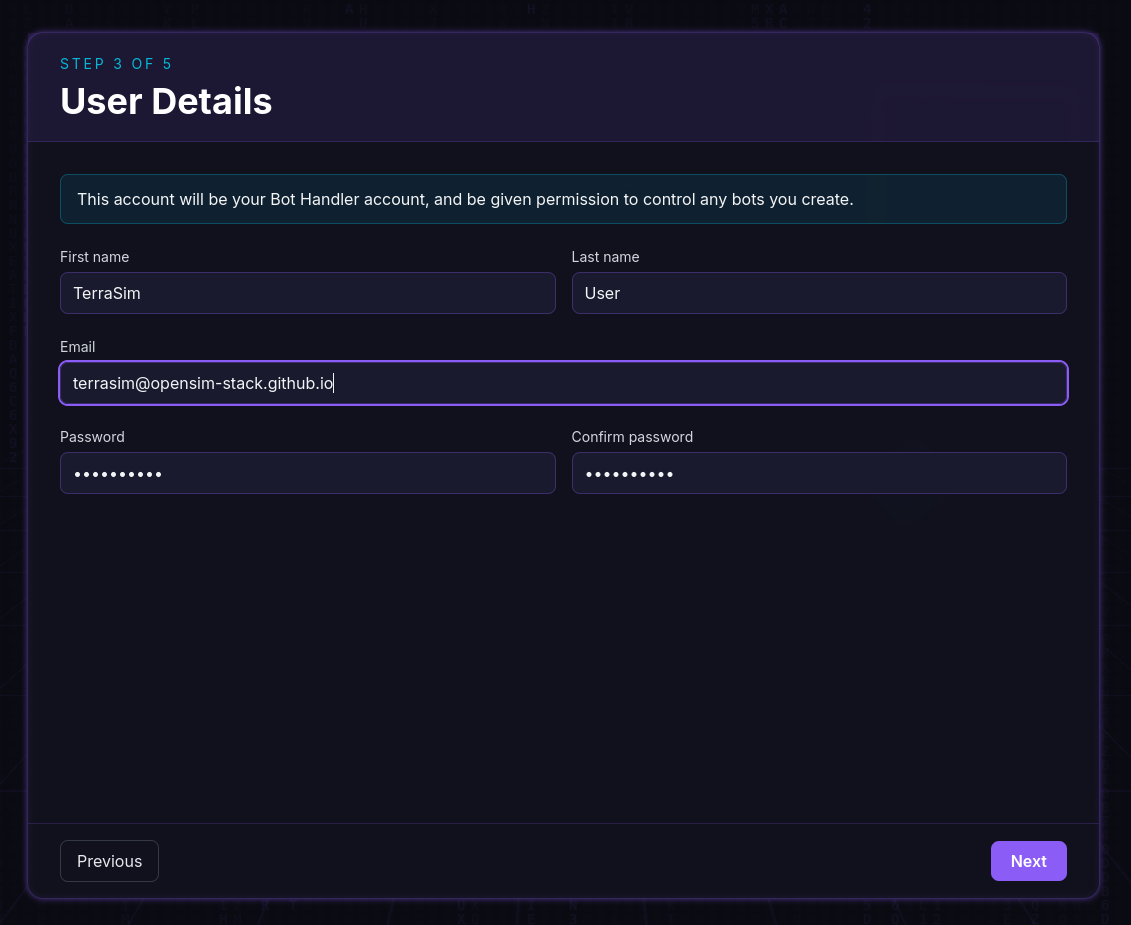
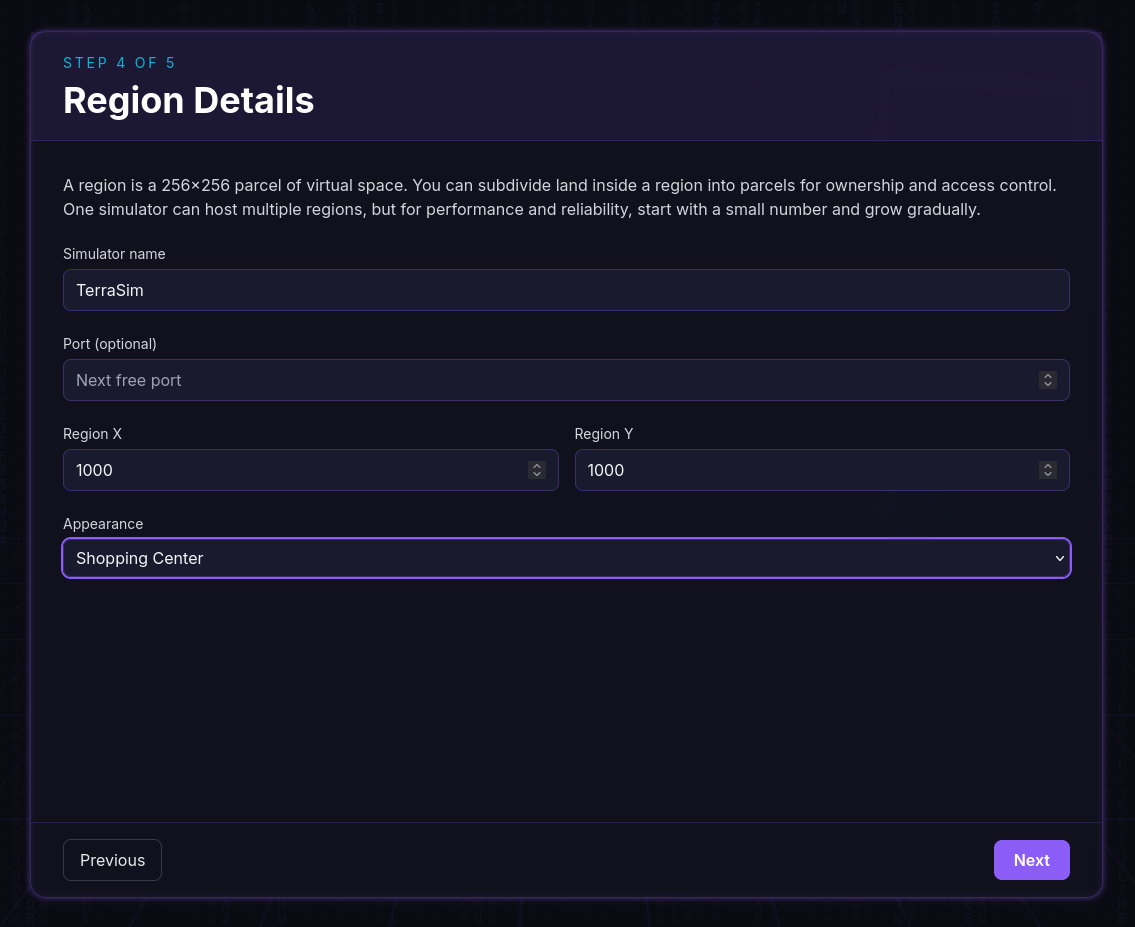
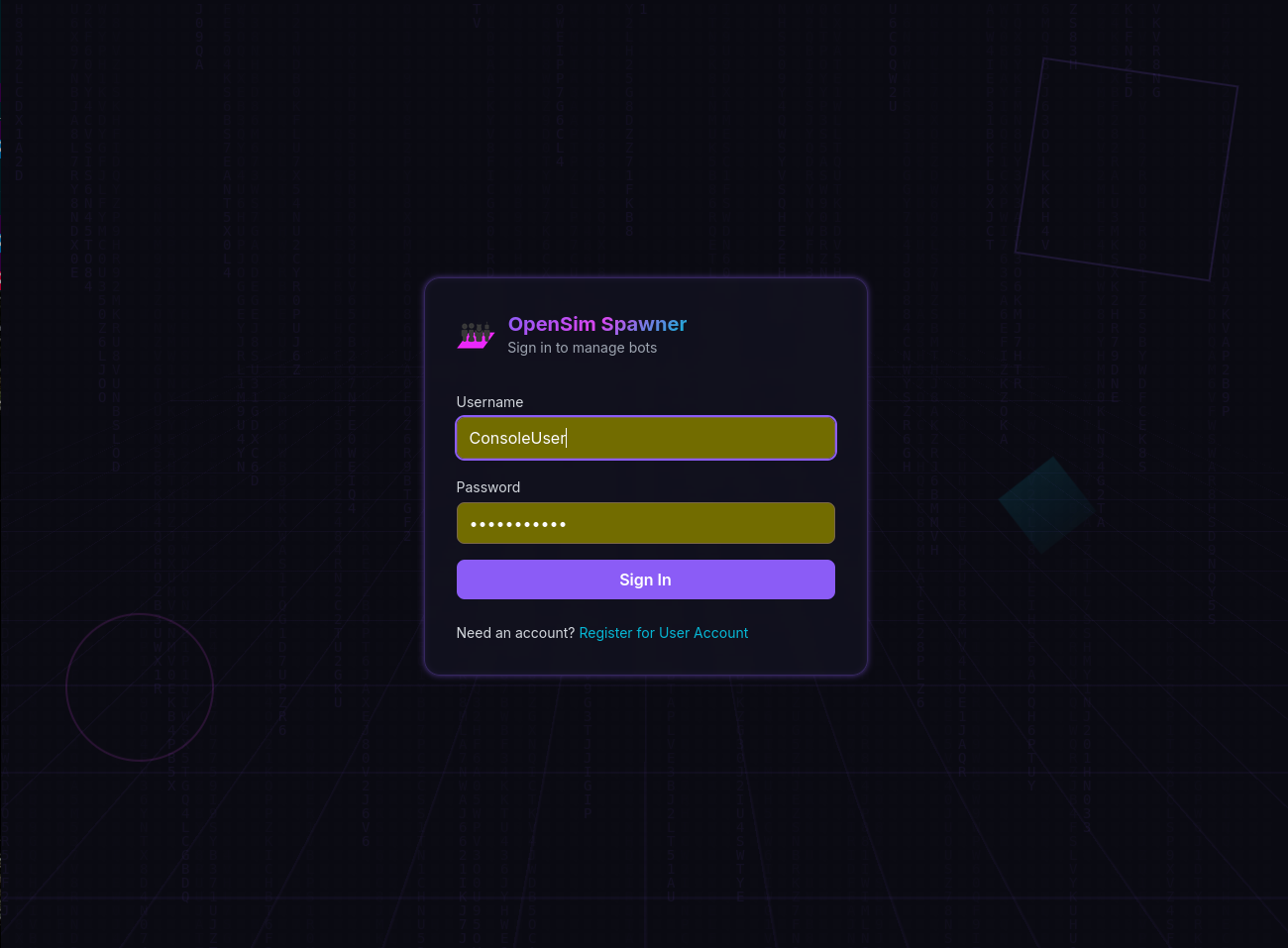
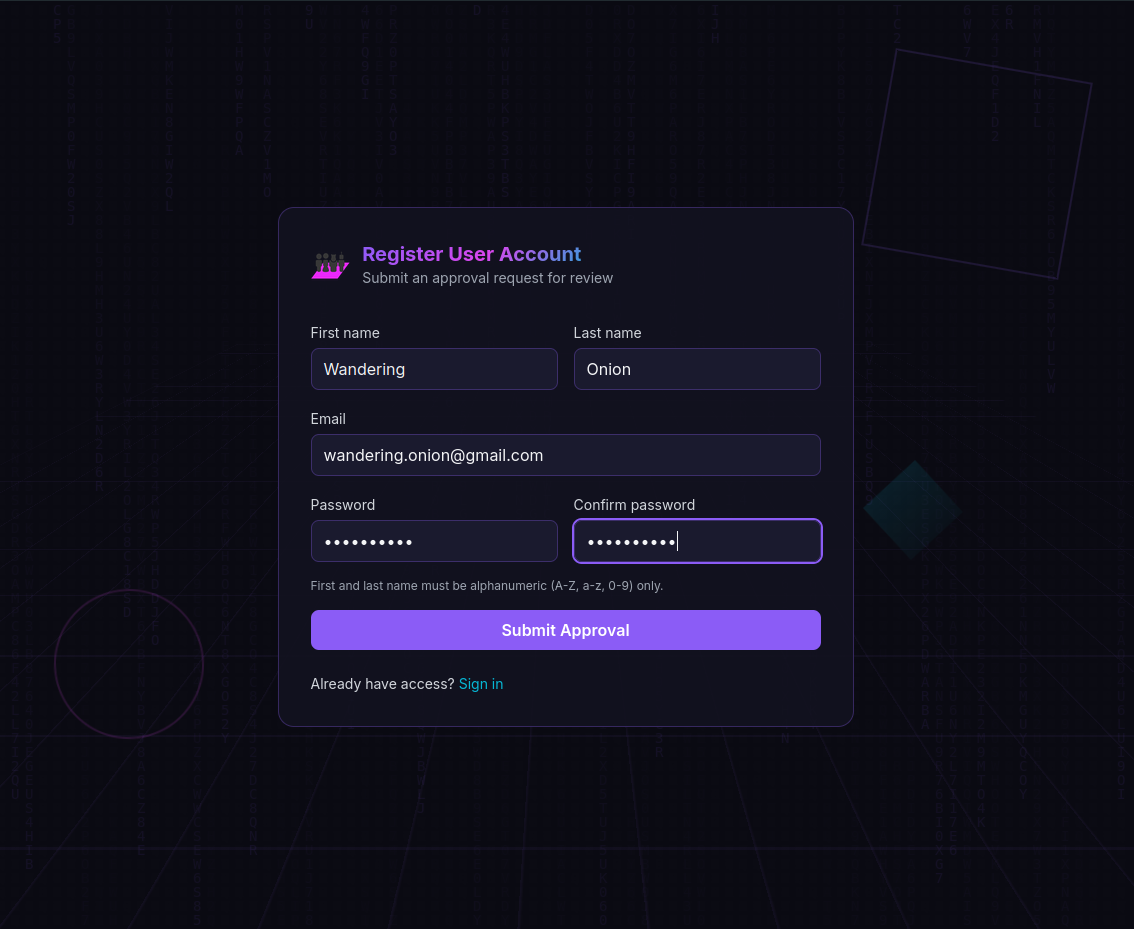
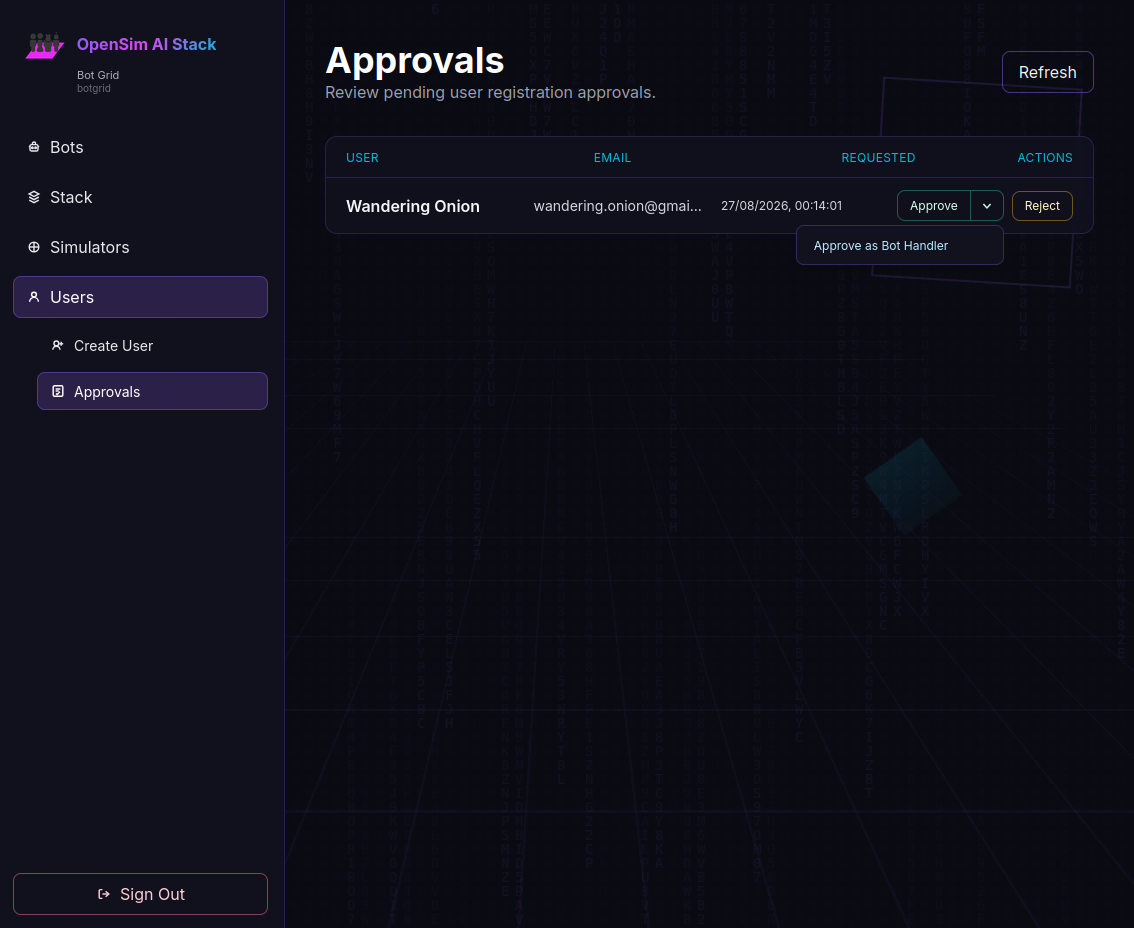
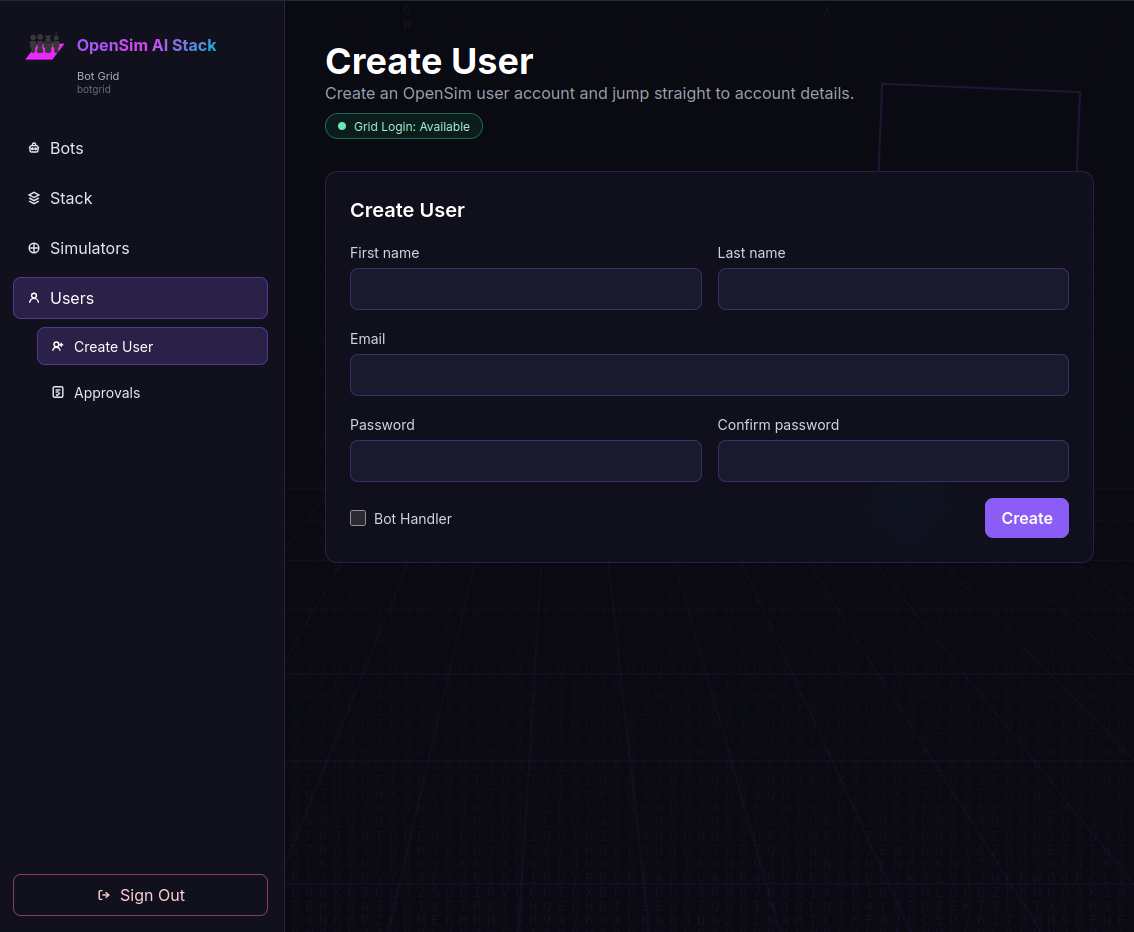
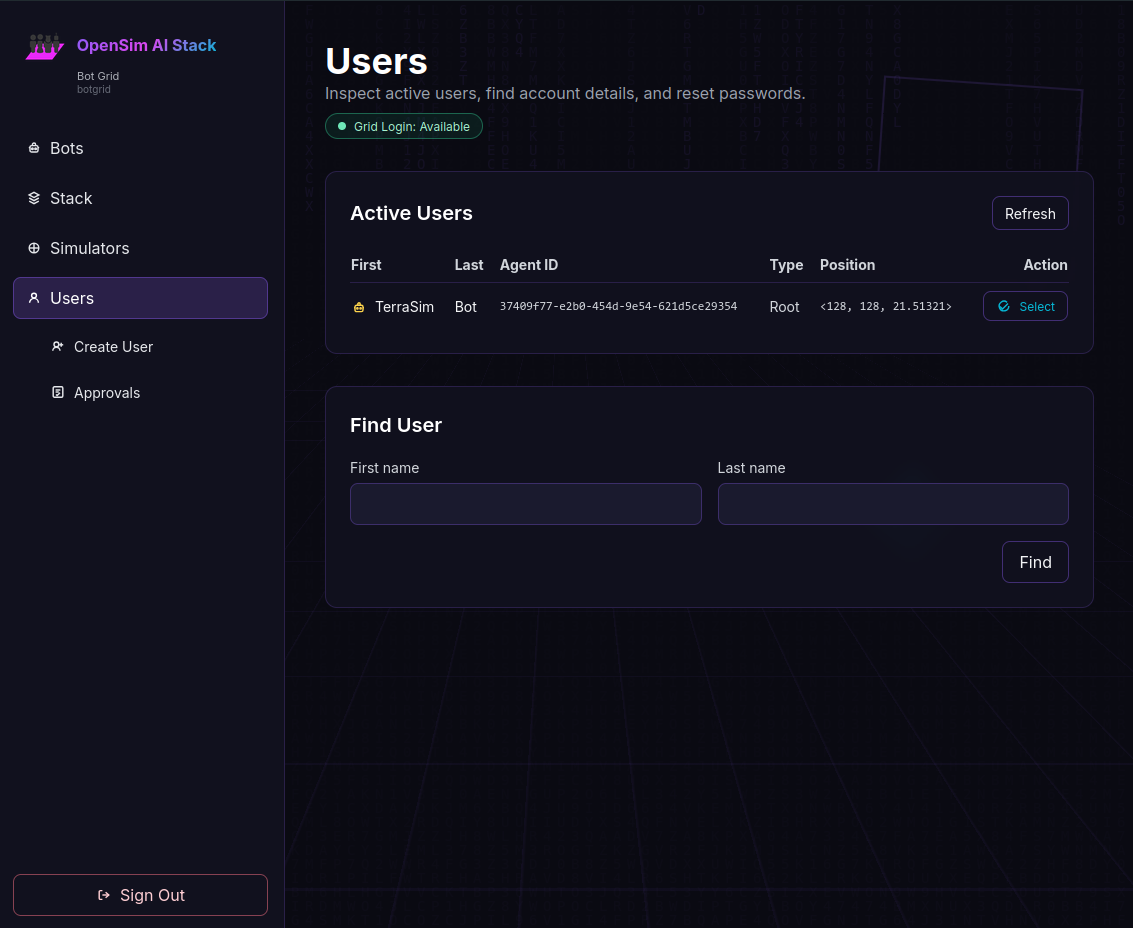
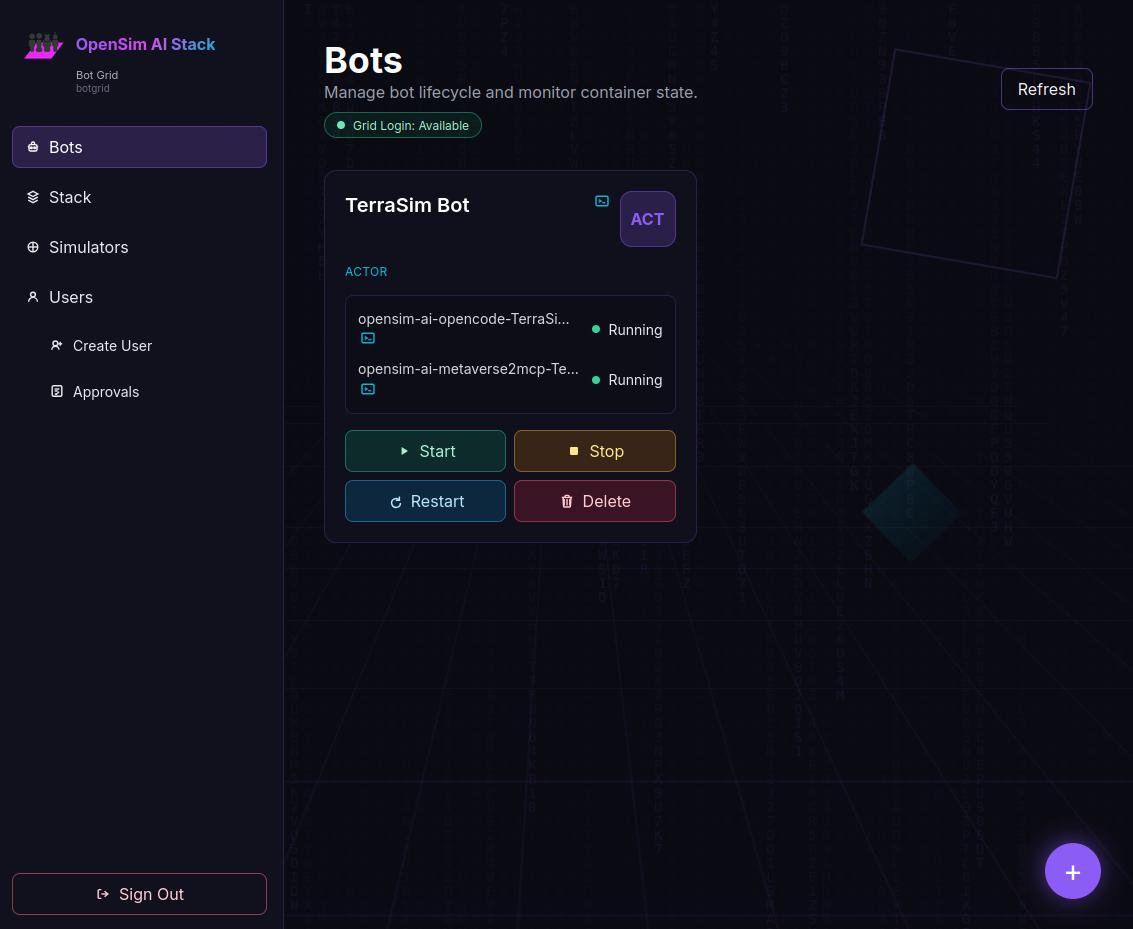
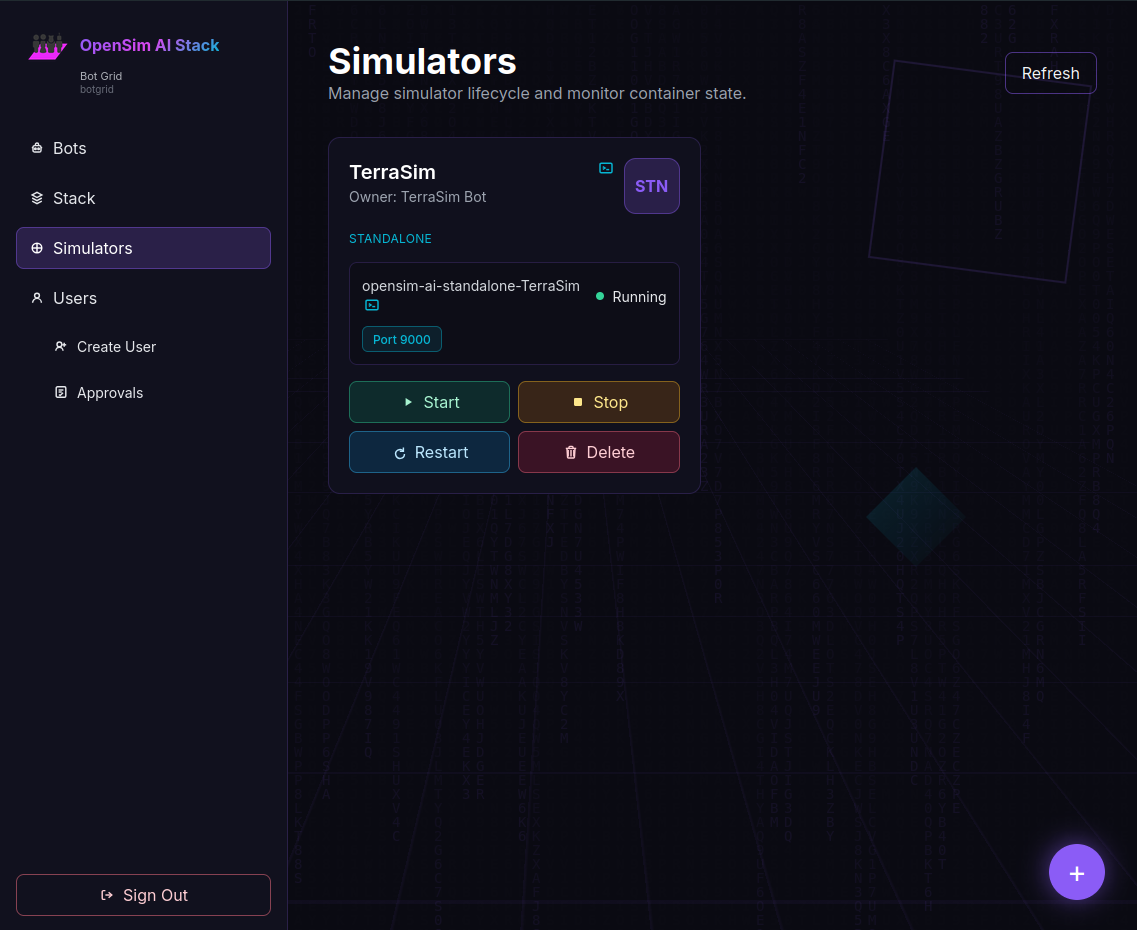
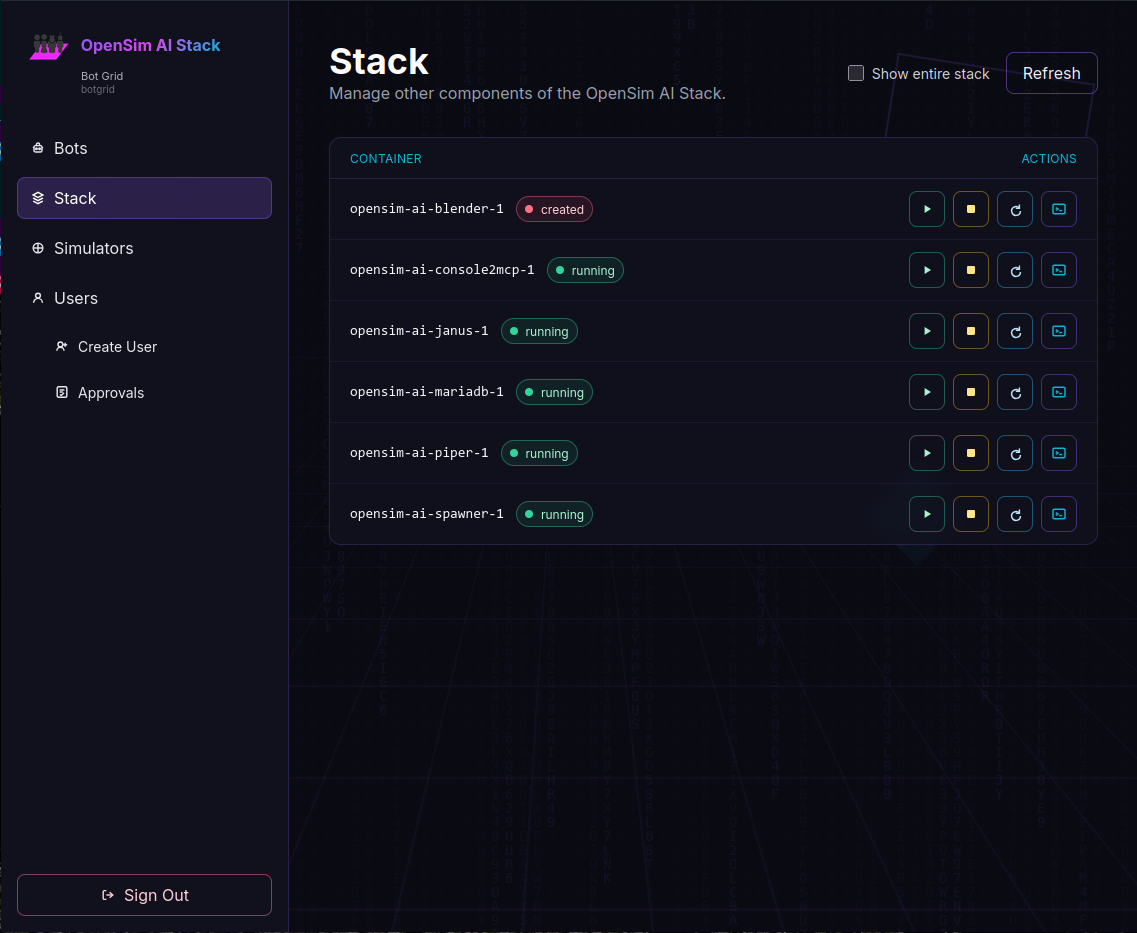
OpenSim AI Stack now includes a purpose built web user interface with an easy Setup Wizard.
Point your browser at http://yourhostname:8993 to complete setting up your grid.


See Docs for other ways to install.